Different teams. A shared way forward.
Every team has its own rhythm. Build the structure around your work, with a shared place for deadlines, decisions and delivery.
Keep client work clear from brief to handover.
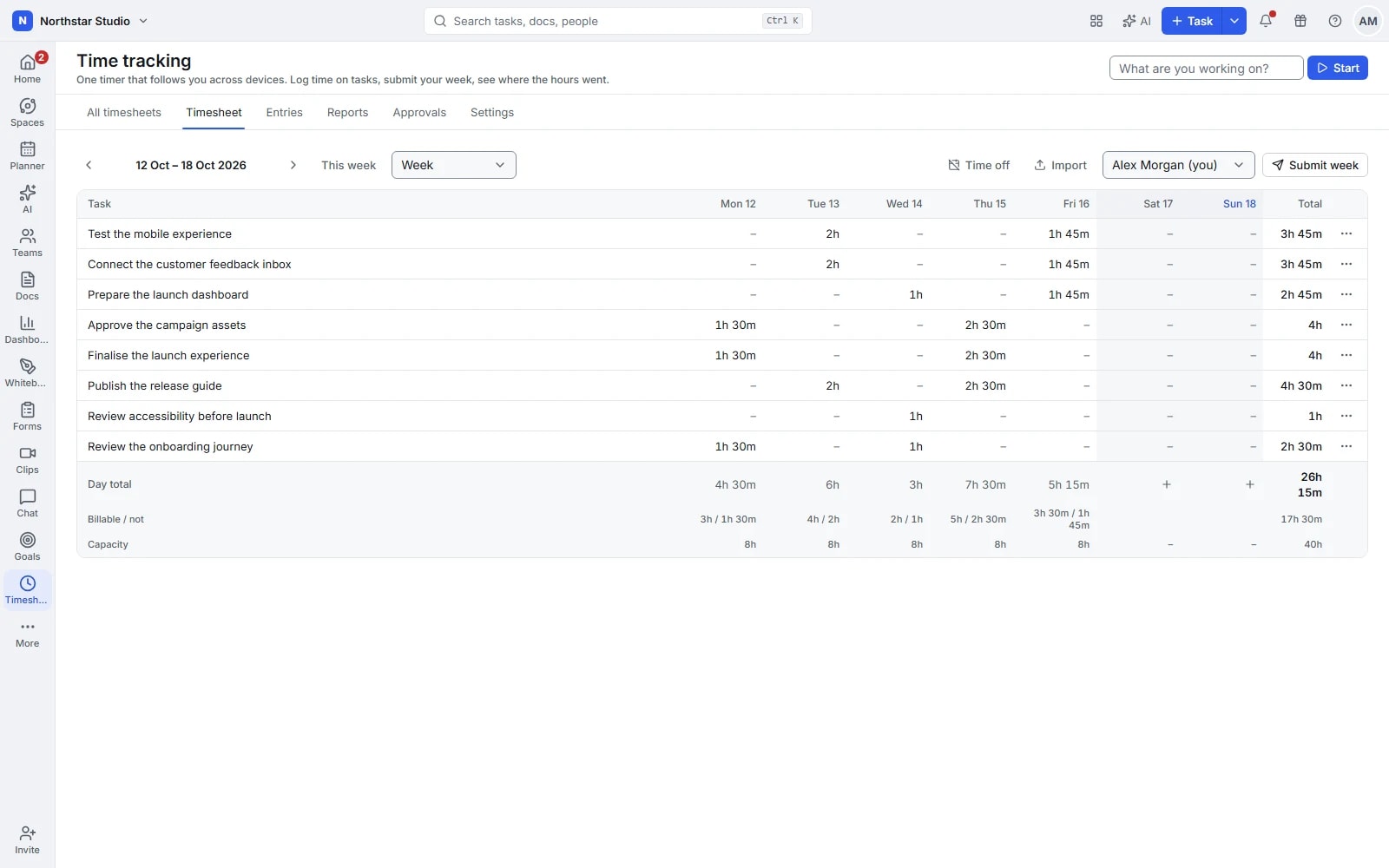
A new request arrives, feedback changes the scope and the launch date stays fixed. Give your agency one place to organise deliverables, explain decisions and follow the time spent on each project.
The next person can see what is agreed, what is waiting and what is ready for the client.
Agree on the brief
Write the scope in a Doc, collect the references and turn deliverables into tasks with owners and dates.
Manage the review
Use statuses and comments to separate work in progress from work awaiting feedback. Share the relevant work with guests.
Prepare the handover
Keep final files, decisions and task history together. Review tracked time before planning the next engagement.
Connect discovery, development and the next release.
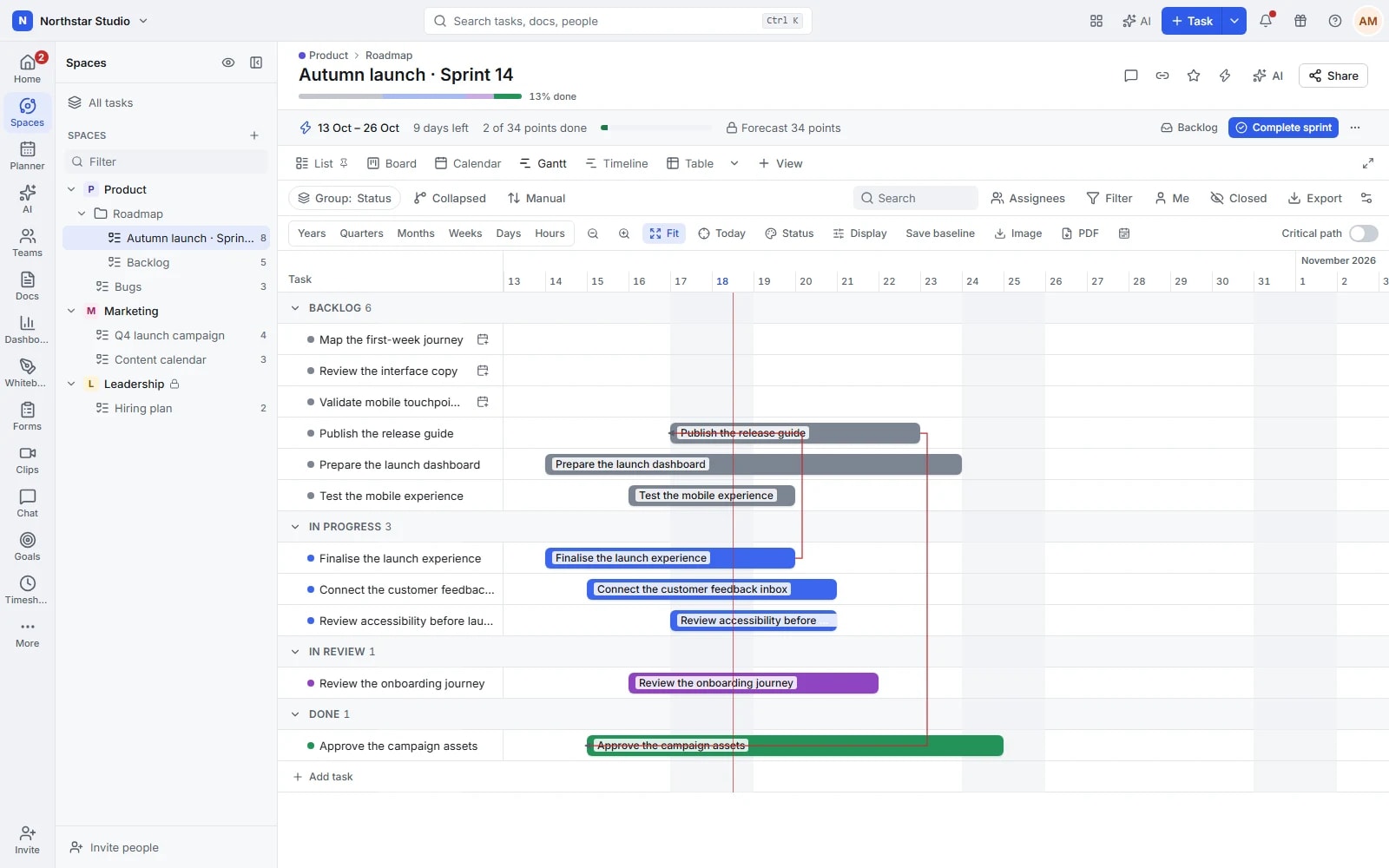
A roadmap only becomes useful when the team can act on it. Keep specifications, backlog items, sprint work and development context connected as priorities change.
Product, design and engineering can follow the same release without needing the same view.
Define the change
Write the specification in Docs and explore the flow on a whiteboard. Turn the agreed scope into backlog tasks.
Plan a realistic cycle
Choose work for the sprint, assign owners and surface dependencies. Use a board to follow the implementation.
Review the release
Link development activity through GitHub when configured. Review the sprint and carry the remaining work into the next plan.
Build a routine that holds up beyond this week.
Internal requests, recurring checks and cross-team handovers all need a reliable route. Replace scattered requests with a shared intake process and a clear owner for every next step.
The process stays visible even when different people take care of it.
Collect the right information
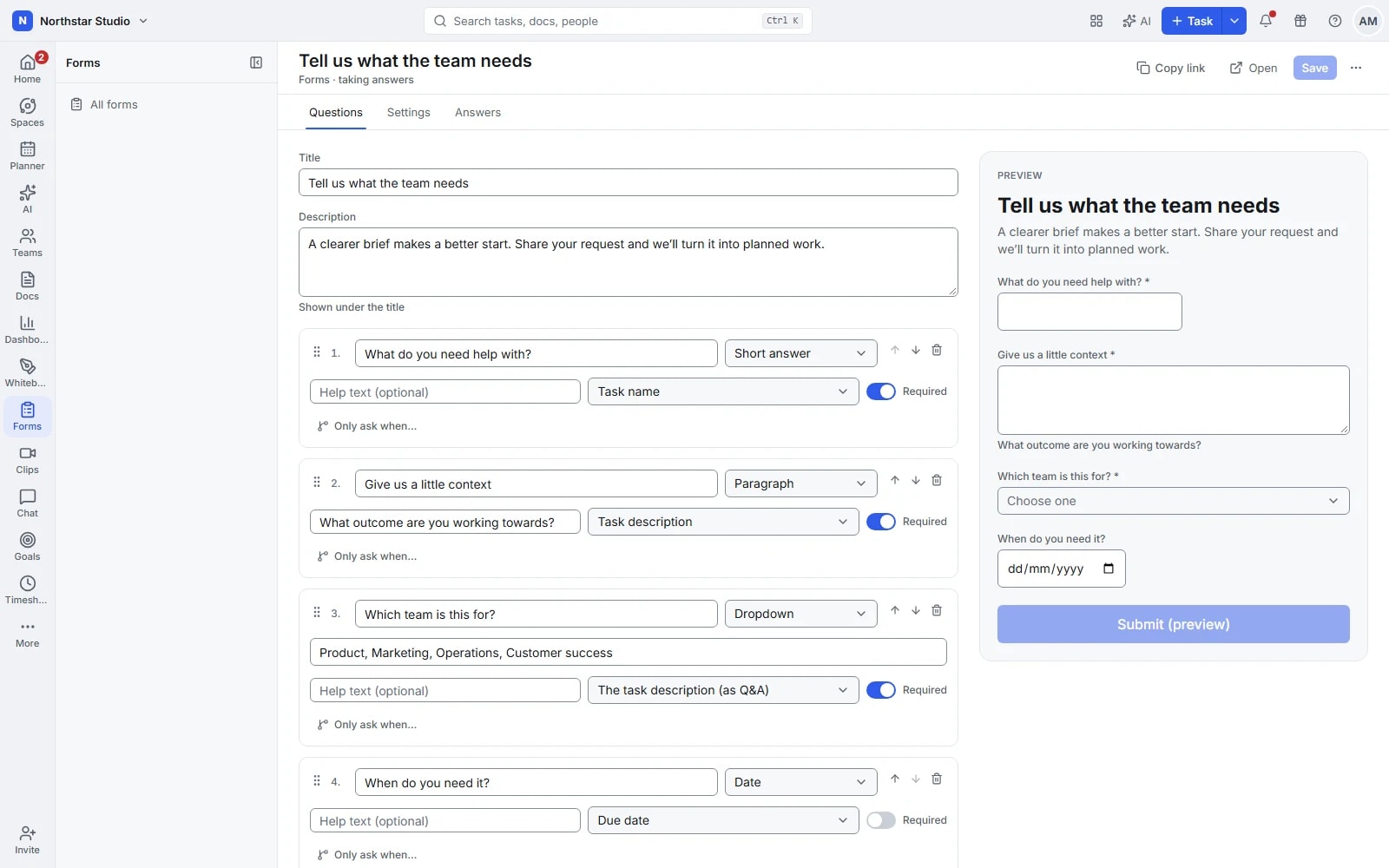
Create a request form with the fields your team needs. Bring submissions into a list for triage.
Define the route
Set statuses for each stage and use rules for supported assignments or updates. Keep the procedure in a linked Doc.
Keep the routine on track
Schedule recurring checks, follow due dates and use dashboards to review open work before it becomes a backlog.
Take a campaign from the first idea to publication.
A campaign involves more than a publication date. Keep the concept, creative work, channel deliverables and review conversations together while each contributor sees their part of the plan.
The calendar shows what is due; the task keeps the context behind it.
Shape the campaign
Collect ideas on a whiteboard and write the brief in Docs. Define the audience, message and deliverables before production starts.
Coordinate production
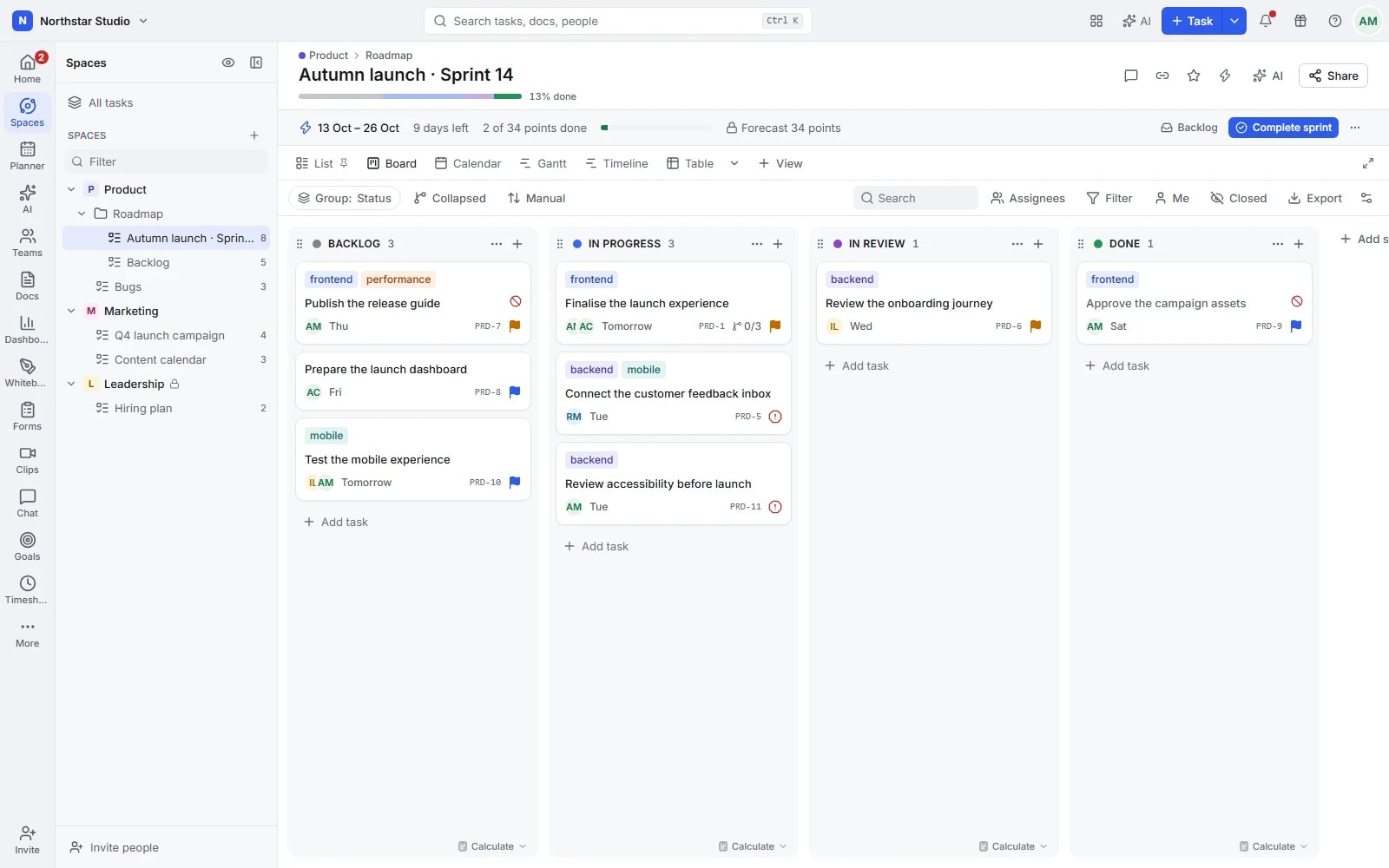
Assign writing, design and review tasks. Use custom fields to track channels or content types and a board to follow handovers.
Follow the schedule
Use the calendar to review deadlines across the campaign. Keep feedback in comments and discuss shared decisions in a channel.
Make expertise easier to deliver and hand over.
A service engagement depends on the quality of the work and the clarity around it. Keep discovery notes, agreed actions, delivery documents and time entries within the same project.
Your team has the context to continue the work when the project changes hands.
Set up the engagement
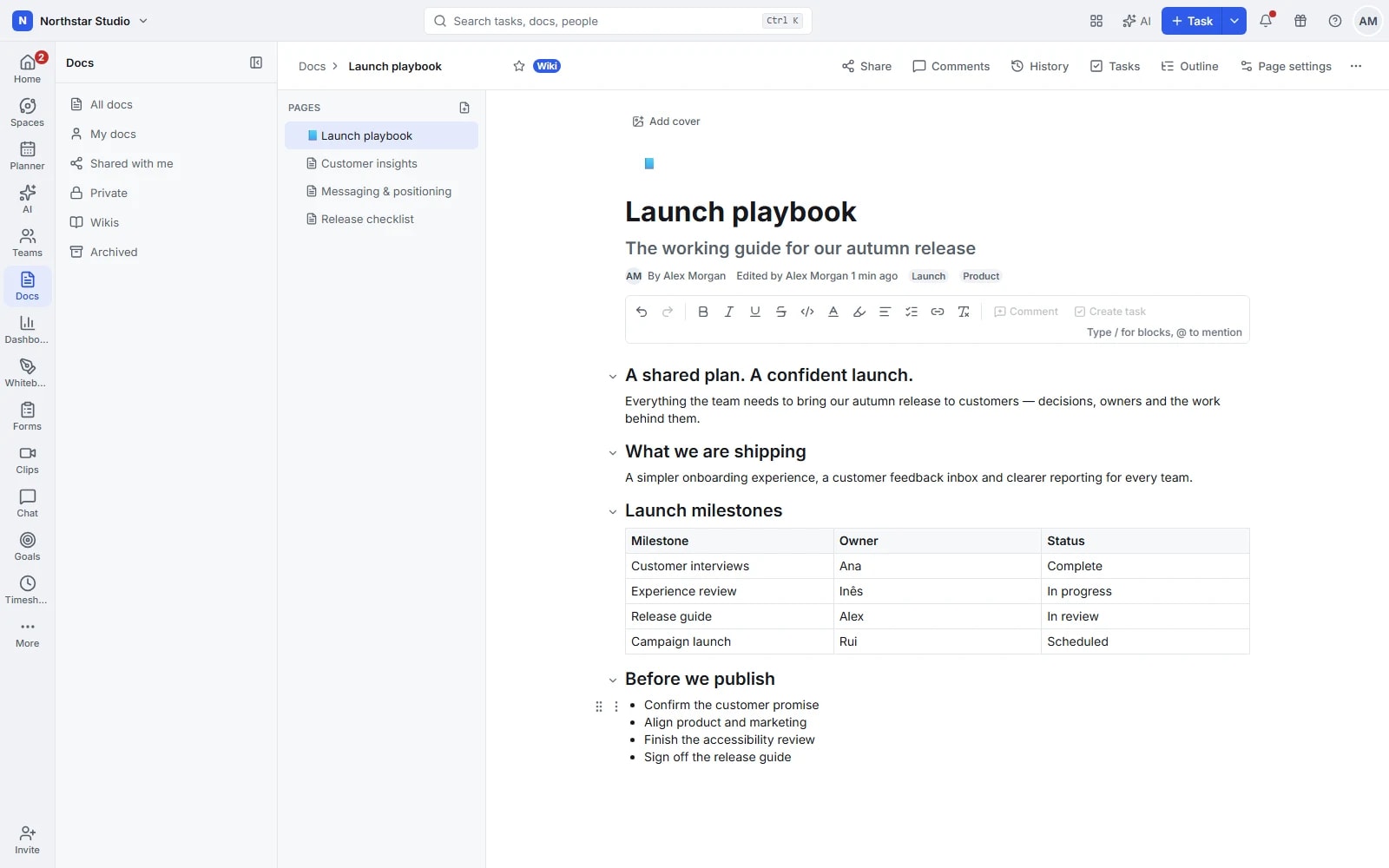
Start with a repeatable task structure, capture the scope in a Doc and agree on the next milestones.
Keep a working record
Document decisions, comment on tasks and record a clip when a walkthrough is more useful than another meeting.
Review the effort
Track time against the delivery and review the timesheet. Use what happened to inform future estimates and the handover.
See the direction without chasing every update.
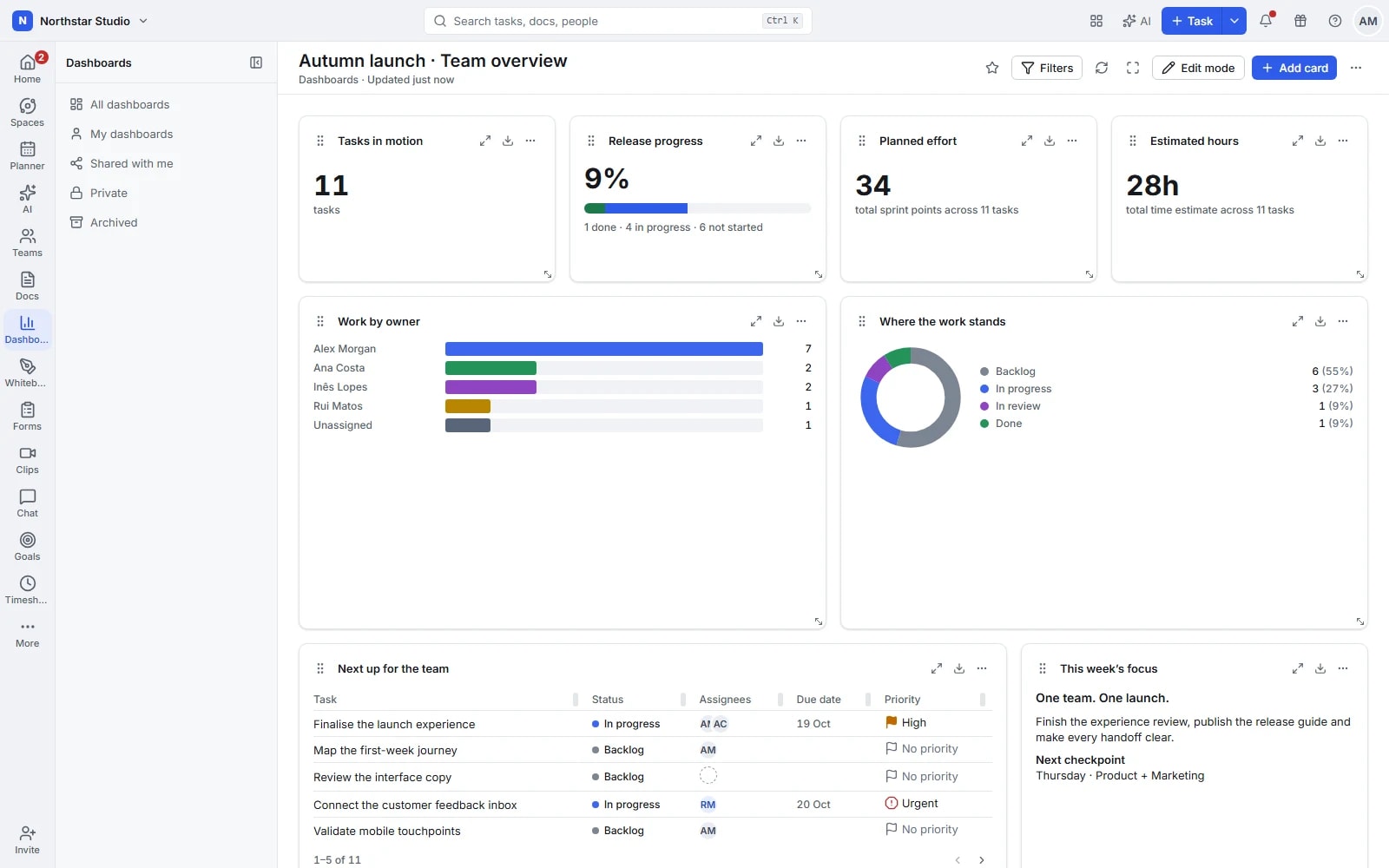
Teams need room to manage the details. Leaders need a clear view of objectives, delivery and effort. Bring those perspectives together without asking everyone to maintain another status document.
Review the shared picture, then open the underlying work when a conversation needs more detail.
Agree on the outcome
Define goals and measurable targets. Give teams a shared reference for the result the work should achieve.
Build the review view
Choose dashboard widgets and filters around the questions that matter: progress, open work and the effort recorded.
Focus the conversation
Review progress together and inspect the relevant tasks. Record the decisions and assign the follow-up where the team works.
Separate projects. Shared visibility.
Teams can use their own lists, statuses and views while sharing the same workspace. Bring cross-team work together through documents, goals and dashboards, with access adapted to the people involved.
Make space for the work that matters.
Bring your next project into Talqivo. Start with a task, invite your team and build from there.
Get started free